Protecting Your Accounts
Is Our Top Priority
Fraud is constantly evolving, and today’s scams can be more convincing than ever. Artificial intelligence (AI) is changing the way we work, communicate, and manage our daily lives. This has created new opportunities for scammers to impersonate people and organizations we trust through realistic emails, text messages, phone calls, voices, images, and videos.
We use multiple layers of security to help keep your personal and financial information safe. We’re also here to help you recognize the warning signs, understand today’s scams, and feel more confident protecting yourself and your money.
Know How to Recognize and Avoid Scams

Imposter Scam
Scammers will contact you pretending to be your financial institution, a government agency such as the IRS or Medicare, a charitable organization or even someone you know. Their goal is to trick you into sending money or providing personal or account information. These scams can be very sophisticated and seem quite real.


AI & Deepfake Scam
Artificial intelligence can help scammers create realistic emails, text messages, images, videos and even cloned voices. They may use this technology to impersonate a family member, friend, coworker, company representative or other trusted person to convince you to send money or share sensitive information. These scams can be especially convincing because AI-generated messages may look professional and voices or videos may appear to be real.
Phishing Scam
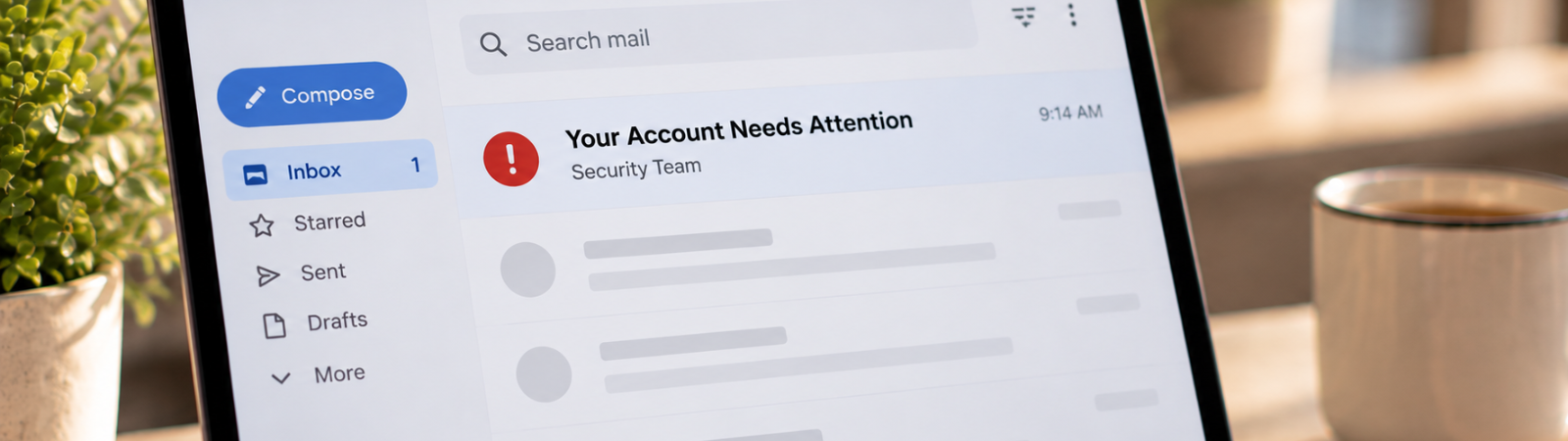
Phishing scams are official-looking emails, text messages, social media messages or websites meant to trick you into giving away personal or financial information. Because these messages may appear to come from your financial institution or another company you know, they can be very effective in convincing you to click a link, open an attachment or provide information. Today’s phishing scams may also use AI to create polished, personalized messages without the spelling mistakes or grammatical errors traditionally associated with phishing.

Fake Fraud Alert & “Move Your Money” Scam
This scam often begins with a text, email or phone call that looks like a legitimate fraud alert from your financial institution. If you respond, a scammer may offer to help stop the alleged fraud and tell you to transfer money, send money to yourself or move your funds to another account to keep them “safe’’. Because the initial message and incoming call may seem legitimate, these scams can be very convincing.

Verification Code Scam
One-time verification codes are designed to help protect your accounts, but scammers may try to use them to gain access. A scammer may contact you pretending to be your financial institution or another trusted company and ask you to provide a code sent to your phone or email to “verify” your identity or stop suspicious activity. In reality, the scammer may be attempting to access your account and needs the code to complete the login.

Urgency & Voice Cloning Scam
Scammers may contact you pretending to be a child, grandchild, friend or other loved one who needs money because of an emergency. With AI voice-cloning technology, scammers can use short audio clips to create a voice that sounds remarkably similar to someone you know. They may claim they have been arrested, injured, stranded or involved in an accident and pressure you to send money before you have time to verify what happened.

Social Media & Investment Scam
Scammers may use social media advertisements, direct messages, fake or hacked accounts and professional-looking websites to promote fraudulent investments, giveaways, jobs or other opportunities. AI-generated images, videos and testimonials can make these offers appear even more credible. Investment scams often promise unusually high or guaranteed returns and pressure you to act quickly before the “opportunity” disappears.

Support Specialist Scam
Scammers pretending to be technology or support specialists from a known company may try to steal your sensitive information by gaining access to your account or device. They may claim your computer, phone or account has a problem and ask you to download an app, share your screen or provide remote access so they can “fix” the issue.

Tap to Pay & Contactless Payment Scam
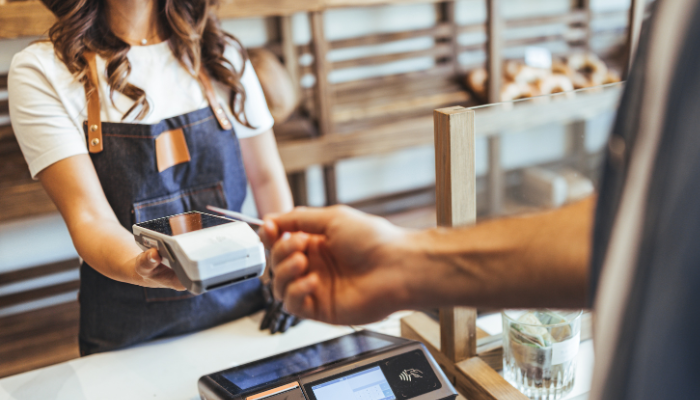
Scammers may try to take advantage of contactless payment features by convincing you to tap your debit or credit card, phone or digital wallet on a payment device. They may claim the tap is needed to verify your identity, process a refund, correct a payment issue or complete another transaction. A tap can authorize a real transaction, so you should always know who you are paying and what amount you are approving before using a contactless payment method.
Helpful Tips to Keep Your Information Safe
Simple steps can help protect your accounts and personal information.
Choose Strong, Unique Passwords
Use strong, unique passwords for each account and avoid reusing them. Consider using a reputable password manager to securely store your passwords.
Avoid Public Wi-Fi for Banking
Avoid public Wi-Fi or shared computers when accessing Online Banking or accounts containing sensitive information. Use a trusted connection whenever possible.
Never Give Out Personal Information
Never provide sensitive information by phone, email, text or social media unless you're certain who you're communicating with.
Protect Your Devices From Attack
Use a strong passcode or biometric security and keep your device, browser, apps and security software up to date.
Use Multi-Factor Authentication (MFA)
Add an extra layer of protection with MFA, and never share a one-time verification or authentication code.
Sign Up for Alerts
Set up account and transaction alerts so you can quickly identify purchases, withdrawals or other suspicious activity.
Think Before You Click
Avoid unexpected links, QR codes or attachments. If you're unsure about a message, visit the organization's official website or app directly.
Be Careful What You Share Online
Review your privacy settings and be mindful of personal information you make public on social media.
Pay Attention When Making Payments
Confirm the merchant and purchase amount before completing a payment, and don't let anyone pressure you into paying.
Only Download the Official Banking App
Download our Mobile Banking App from our website or your device's official app store—not from unexpected links or advertisements.
How Our Online & Mobile Banking Help Keep Your Money & Information Secure
- Digital Card Management
- Account & Transaction Alerts
- Multi-Factor Authentication (MFA)
- Mobile Wallet Security
- Bill Pay
- eBill
Take control of your cards with convenient security tools available through Online & Mobile Banking.
✓
Set card limits
✓
Monitor card activity
✓
Manage travel plans
✓
Lock or unlock your card
✓
Manage card controls
✓
And much more!
Set up account and transaction alerts to help you stay informed and quickly identify activity you don’t recognize.
✓
Purchase alerts
✓
Withdrawal alerts
✓
Transfer alerts
✓
Account activity alerts
✓
Spot unusual activity
✓
Stay informed quickly
Multi-factor authentication adds another layer of protection when accessing Online or Mobile Banking by requiring an additional verification step.
Remember: Never share an MFA or verification code with someone who contacts you.
Mobile wallets offer a convenient way to pay while using security features built into your device. Protect your phone or smartwatch with a secure passcode, fingerprint or facial recognition.
Bill Pay provides you with the security and convenience of managing and paying bills without worrying about checks getting lost, sorting through mounds of paper, or buying stamps. Pay all your bills from one place. Through Bill Pay, you can set up AutoPay to manage and set up recurring bills and eBill payments with the peace of mind of knowing that your bills are paid securely and on time every month. Change or cancel recurring payments anytime.
Manage all your bills without third-party apps or trips to the mailbox. Receive your electronic statements through your online banking account or mobile banking app. With eBill, it is safe and easy to manage and pay your bills from one place.
Compromised Information
Online Banking Credentials
Make sure to change your password immediately, and if you’ve used that password on other platforms, be sure to reset those account passwords as well. If the compromised account had payment information stored on it, review your transaction history to ensure no one has made purchases on your account.
Verification Code or Login Information
Phone or Device
Card Number
Card fraud is one of the most common forms of fraud and identity theft. If a transaction is posted to your account that you didn’t authorize or you think you’re a victim of identity theft, be sure to turn your card off immediately through our Mobile Banking App and contact us immediately at (512) 452-5211. Once your new card is issued, make sure to update auto pay and payment information stored elsewhere.
Bank Account Information
Contact your financial institution immediately to close your account and get a new one opened for you. Make sure to review your transactions regularly to ensure no one is making purchases on your account. Once your new account information is provided and a new card is issued, make sure to update auto pay and payment information stored elsewhere.
Suspicious Activity
If you have any questions or wish to report anything suspicious, contact us at 1-877-252-9199. Make sure you have our Mobile Banking App also so you can turn your card off.
Smart Tapping Starts with Smart Habits
Contactless payments are fast and convenient. Learn simple habits that can help keep your card, account and information secure.
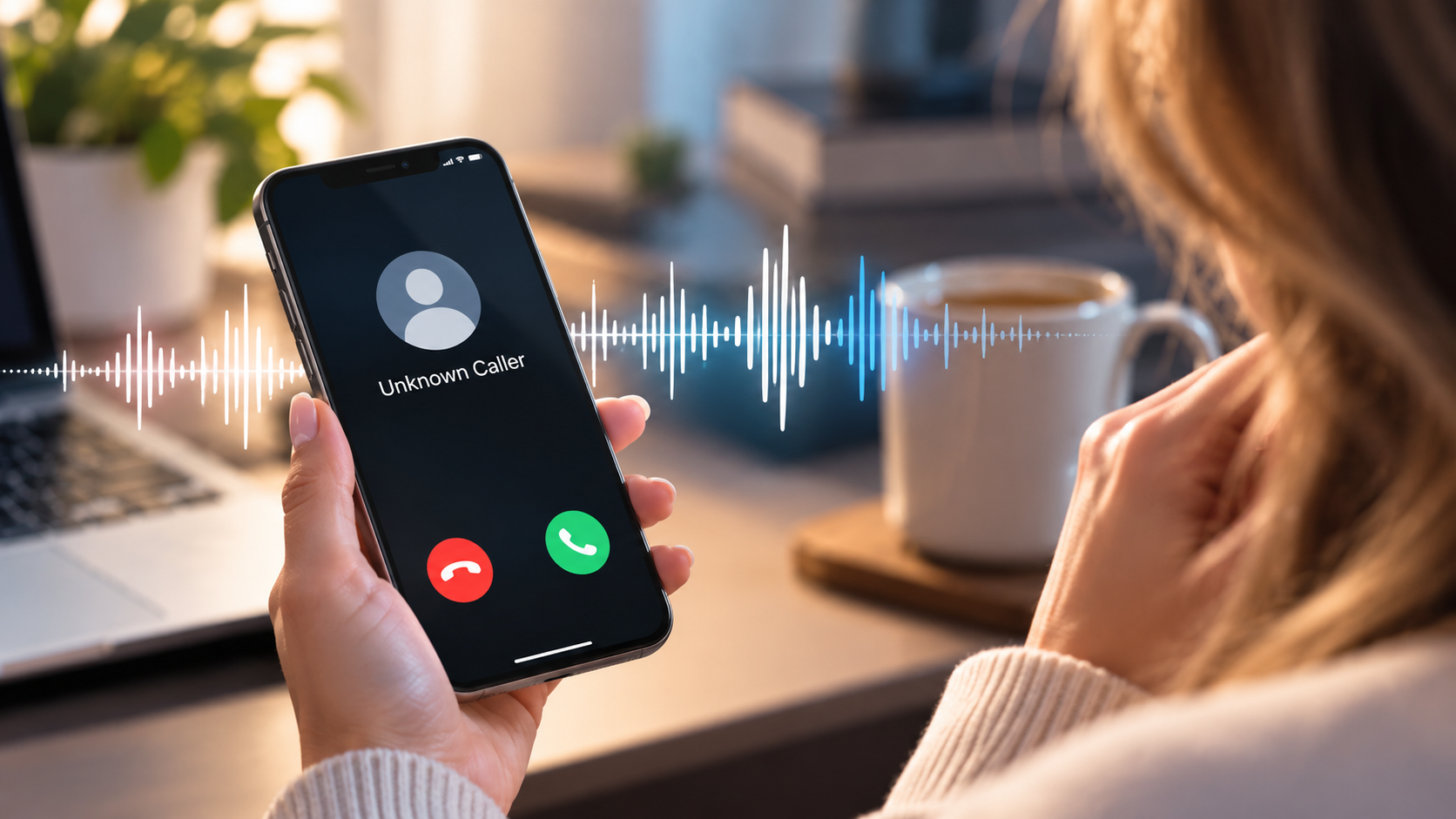
Could You Spot an AI Scam?
AI-powered scams can create realistic emails, cloned voices and even fake videos. Learn what to watch for and how to protect yourself.
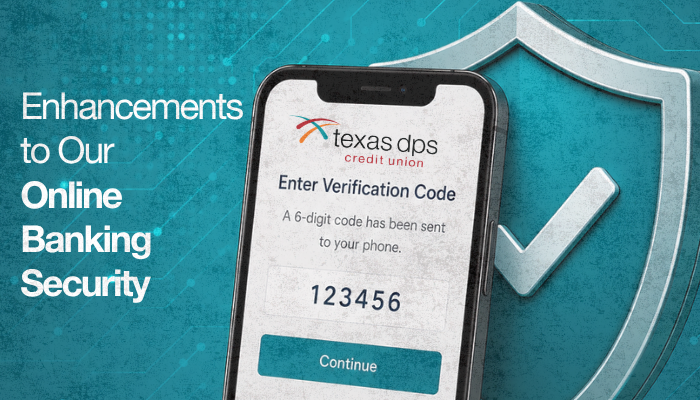
Multi-Factor Authentication for Online Banking
Multi-factor authentication adds an extra layer of security to Online Banking, helping protect your account and personal information from unauthorized access.


 | Federally Insured by NCUA | Equal Housing Opportunity | Site By On The Mark Strategies | NMLS #01624130 | Site Map